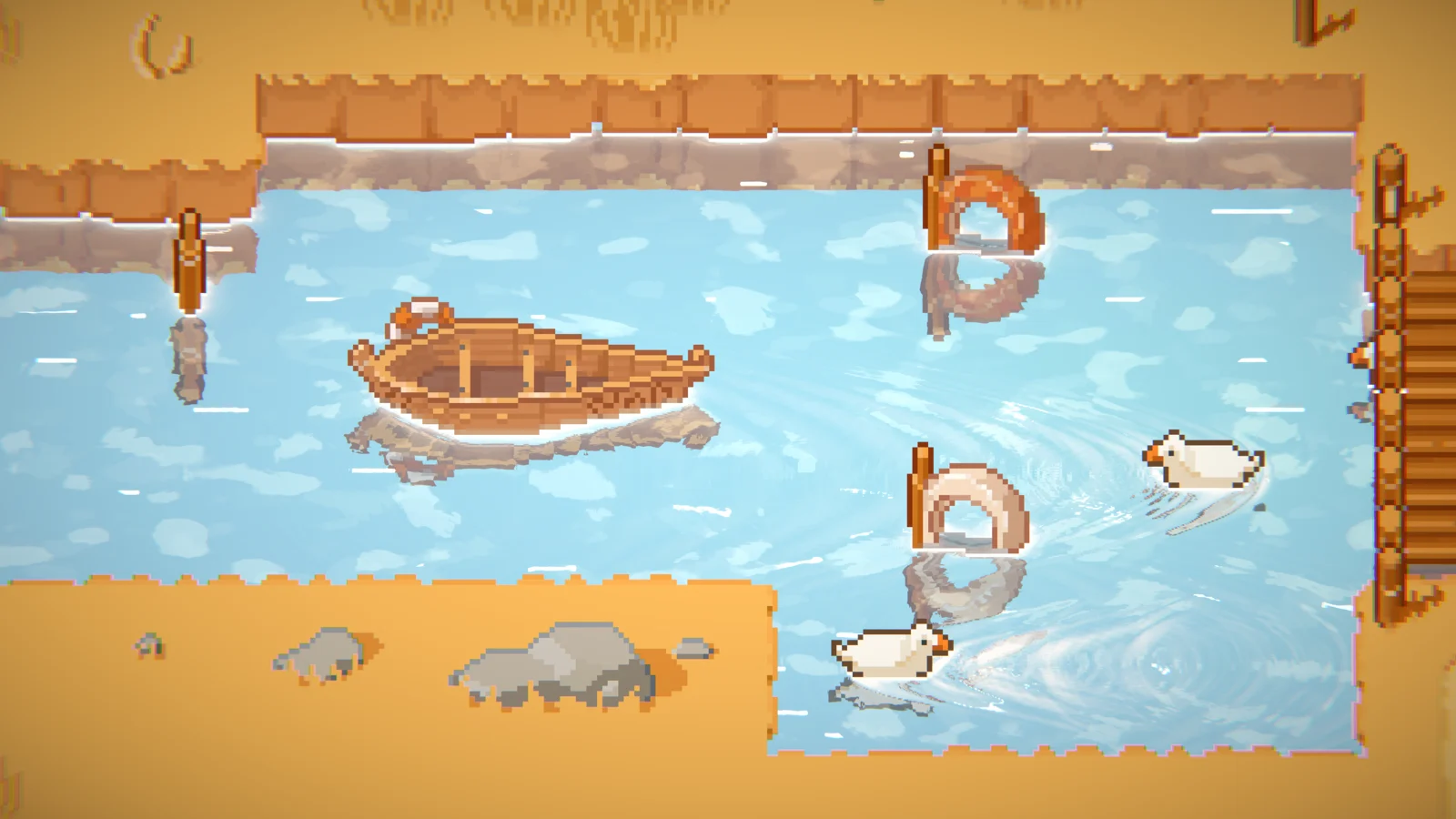
The simple simulation runs a GPU fluid simulation in the water sprite's local UV space. Ripples propagate from obstructor interactions and optional rain drops. The simulation quality depends on the sprite size — larger sprites have lower effective resolution per unit.
Setup
Enable Simulations → Enable and set simulation type to Simple. Obstructions must also be enabled.
Key Settings
→ Resolution — simulation texture size (256 to 4096, powers of 2). Higher = finer ripples.
→ Iterations — simulation passes per frame. 3 is recommended. More = faster wave speed.
→ Wave height / Dispersion — amplitude and energy decay of the simulation.
→ Rain effect — spawns random ripples across the surface.
The resolution table is a starting-point recommendation from the supplied manual, not a measured performance guarantee. Profile your scene on the target device.
| Resolution | High-End PC | Mid PC | Old PC | Mobile |
|---|---|---|---|---|
| Simple (max 4096) | 4096 | 2048 | 1024 | 512 |