Top-down or platformer
Choose a reflection mode that matches your camera. The manual has separate setup instructions for each.
WATER & REFLECTIONS
Add a water component or use a demo prefab. Adjust its colour, foam, reflections and simulation in the Inspector.
Water, reflections and interactive ripples for top-down games and platformers.
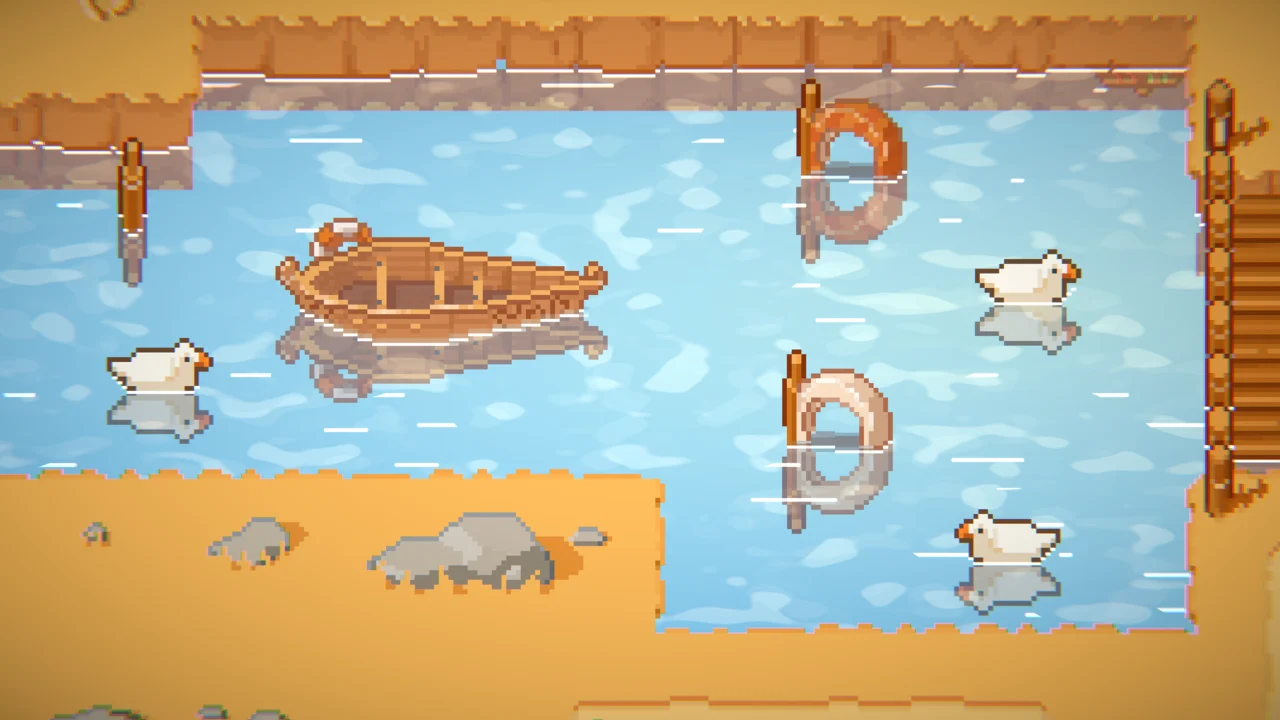
View on Asset Store ↗A boat and swimming ducks disturb the same water surface.
Read this feature's guide ↗Project requirements
Use this version or newer with URP. The supplied manual also mentions 2021.3; this site uses the current store listing as its release baseline.
Listed compatible editors: 2022.3.62f2, 6000.0.66f2, 6000.5.2f1. These entries are not an upper-version limit. Listing checked 27 October 2026.
First steps
Use URP and tag the main camera MainCamera.
Add ModernWater2D to an empty GameObject, or drag a water prefab from a demo scene.
Choose the reflection mode, then configure colour, foam and simulation in the Inspector.
Choose a reflection mode that matches your camera. The manual has separate setup instructions for each.
Enable simulation and add the Obstructor component to objects that should create ripples.
Use Tilemap mode for tile-based shapes. Check its limitations before using blur, perspective or surface waves.
Interactive demo
Load the existing itch.io demo here. It requires WebGL and may work best on desktop.
Loads third-party content from itch.io only after you click.Before you buy
For setup or customisation issues, use Discord support.
Request a free fit check ↗Yes. The current store listing marks Built-in and HDRP as incompatible.
Yes. The supplied manual supports dragging a water prefab from a demo scene and copying water settings between objects.
No. The manual excludes blur post-processing, perspective reflections, surface waves and the surface-sprite overlay from Tilemap mode.