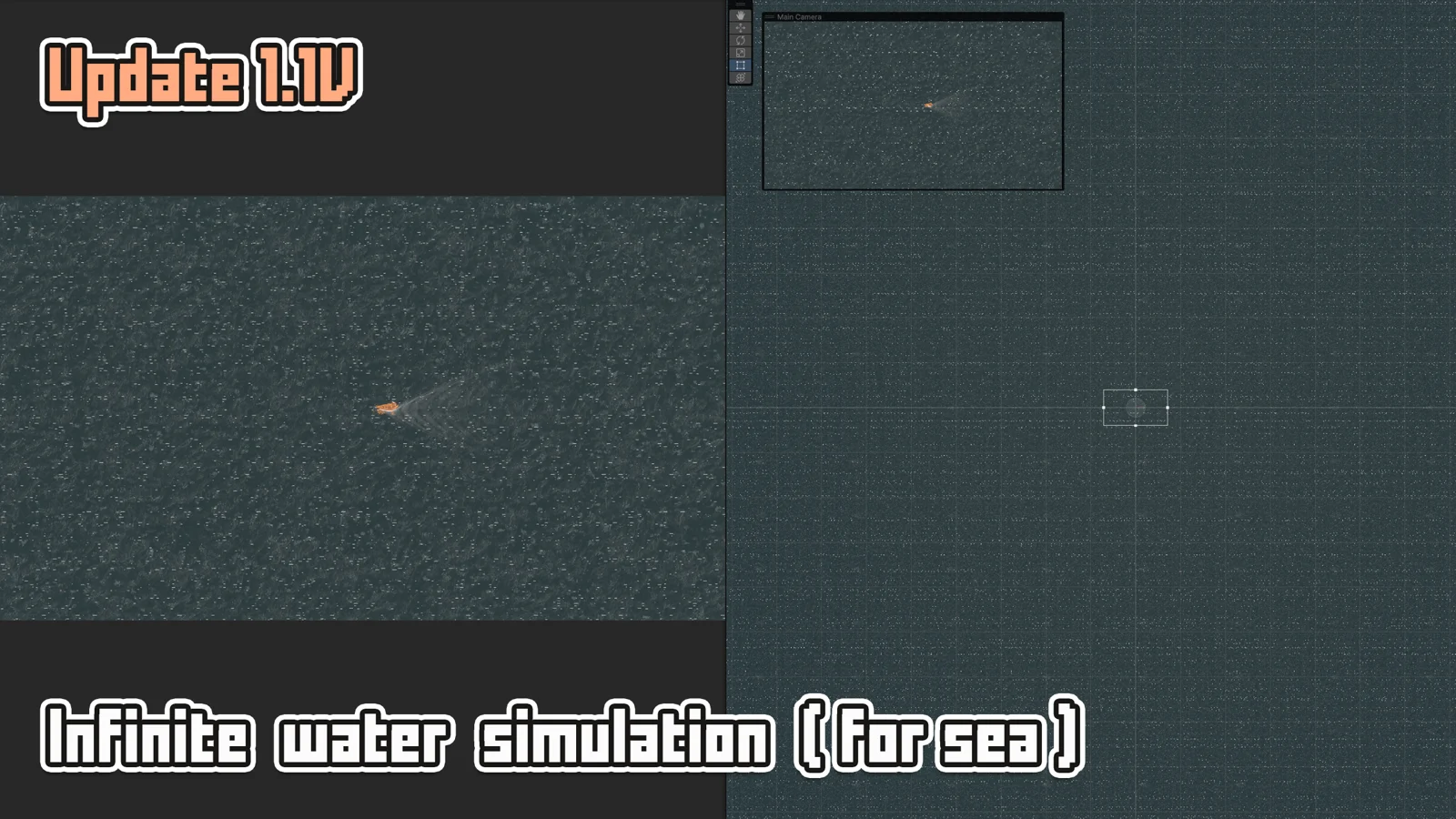
The advanced simulation runs in world space — the simulation texture follows the camera and covers a viewport-relative area. The simulation grid follows the camera rather than covering the whole water body. Rendering, reflections and other features still have their own costs. The simulation quality stays constant regardless of how big the water is.
How It Works
The simulation texture covers a slightly larger area than the camera viewport (1.5× margin). As the camera moves, the simulation offsets its content to follow, so ripples persist naturally during camera motion. This is fundamentally different from simple simulation which is locked to the sprite's bounds.
Setup
Enable Simulations → Enable and set simulation type to Advanced. Same controls as simple, but the resolution cap is 2048 instead of 4096.
The resolution table is a starting-point recommendation from the supplied manual, not a measured performance guarantee. Profile your scene on the target device.
| Resolution | High-End PC | Mid PC | Old PC | Mobile |
|---|---|---|---|---|
| Advanced (max 2048) | 2048 | 1024 | 512 | 256 |