
The raymarched reflection system uses screen-space raymarching to create high-quality reflections that capture vertical detail above the water surface. Profile the chosen mode in your target scene.
Setup
Enable Reflections → Enable Raymarched Reflections (only available with Normal water type). The system creates a ReflectionsManagerRM camera.
Key Settings
→ Raymarch units — world-space height the raymarch covers above the water. Determines how far up reflections capture.
→ Falloff start / end — UV range where raymarched reflections fade.
→ Reflected layers — which Unity layers are captured.
→ Type2 raymarching — alternative algorithm. Try this if the default produces artifacts.
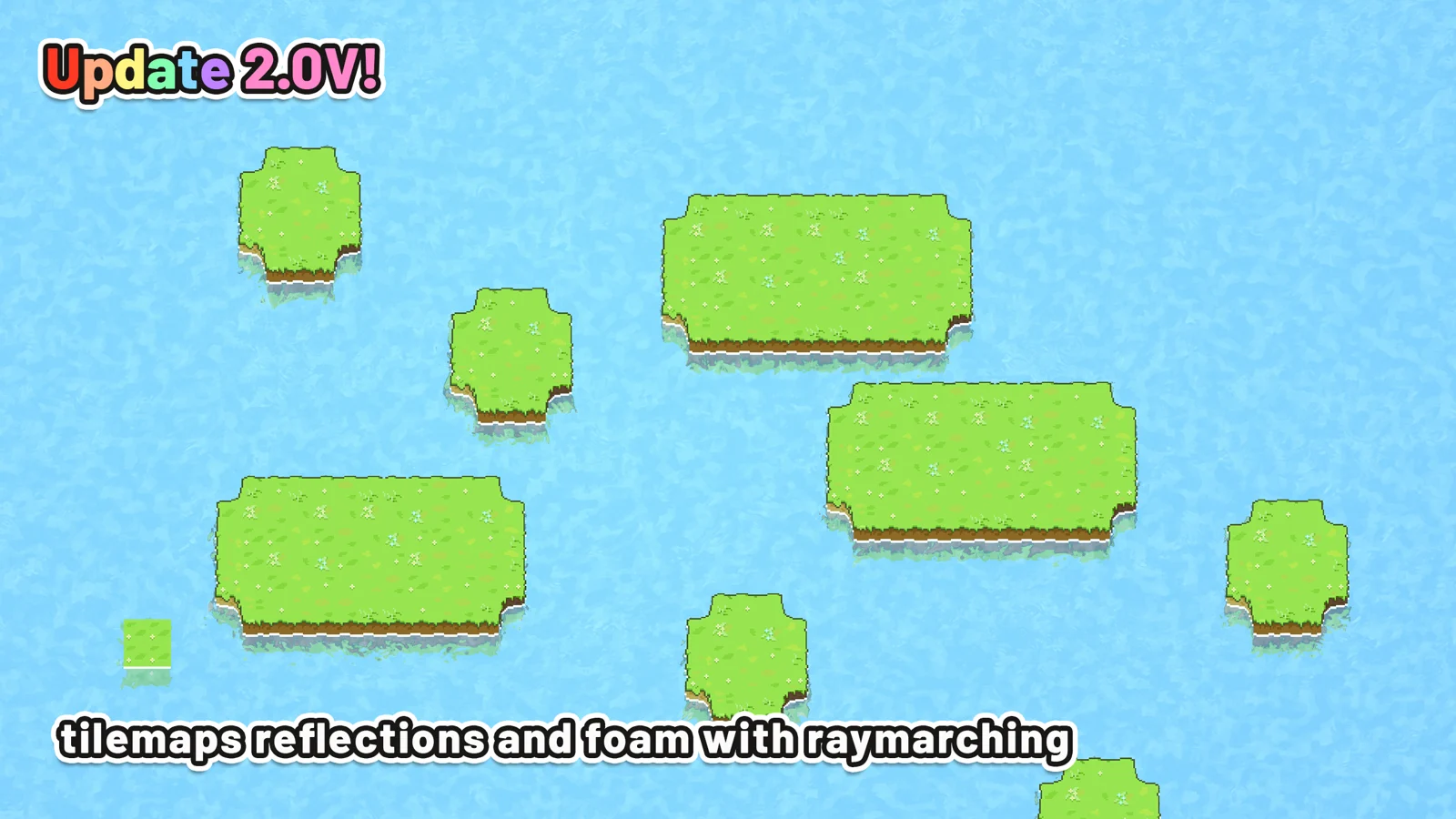
Raymarched reflections automatically compute the step count from the raymarch units and camera orthographic size. The pixel count is capped at 256 for performance.