
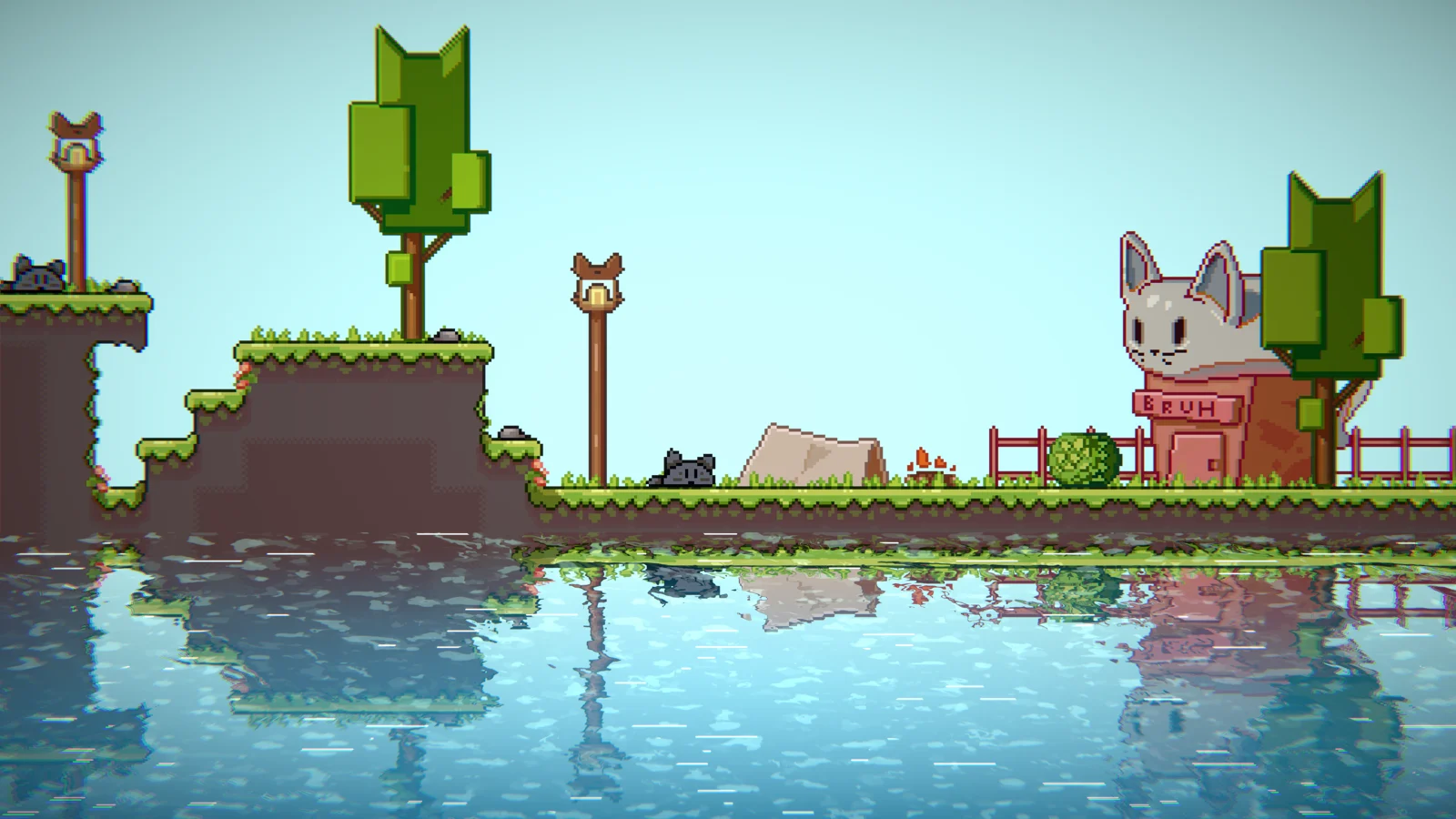
The platformer reflection system renders mirrored reflections below a configurable horizontal line — the standard look for side-view 2D games.
Setup
Enable Reflections → Enable Platformer Reflections. The system creates a ReflectionsManagerPL camera that captures specified layers.
Key Settings
→ Custom reflections starting point — override where the mirror line sits vertically.
→ Infinite scrolling — scroll reflections based on a player transform for parallax games.
→ Reflected layers — choose which Unity layers appear in reflections (found in Edit → Project Settings → Tags and Layers).
→ Perspective — pseudo-3D distortion on reflections (SpriteRenderer mode only).
→ Falloff — fade reflections based on distance from the mirror line.
A yellow gizmo line in the scene view shows the reflection mirror position when platformer reflections are enabled.