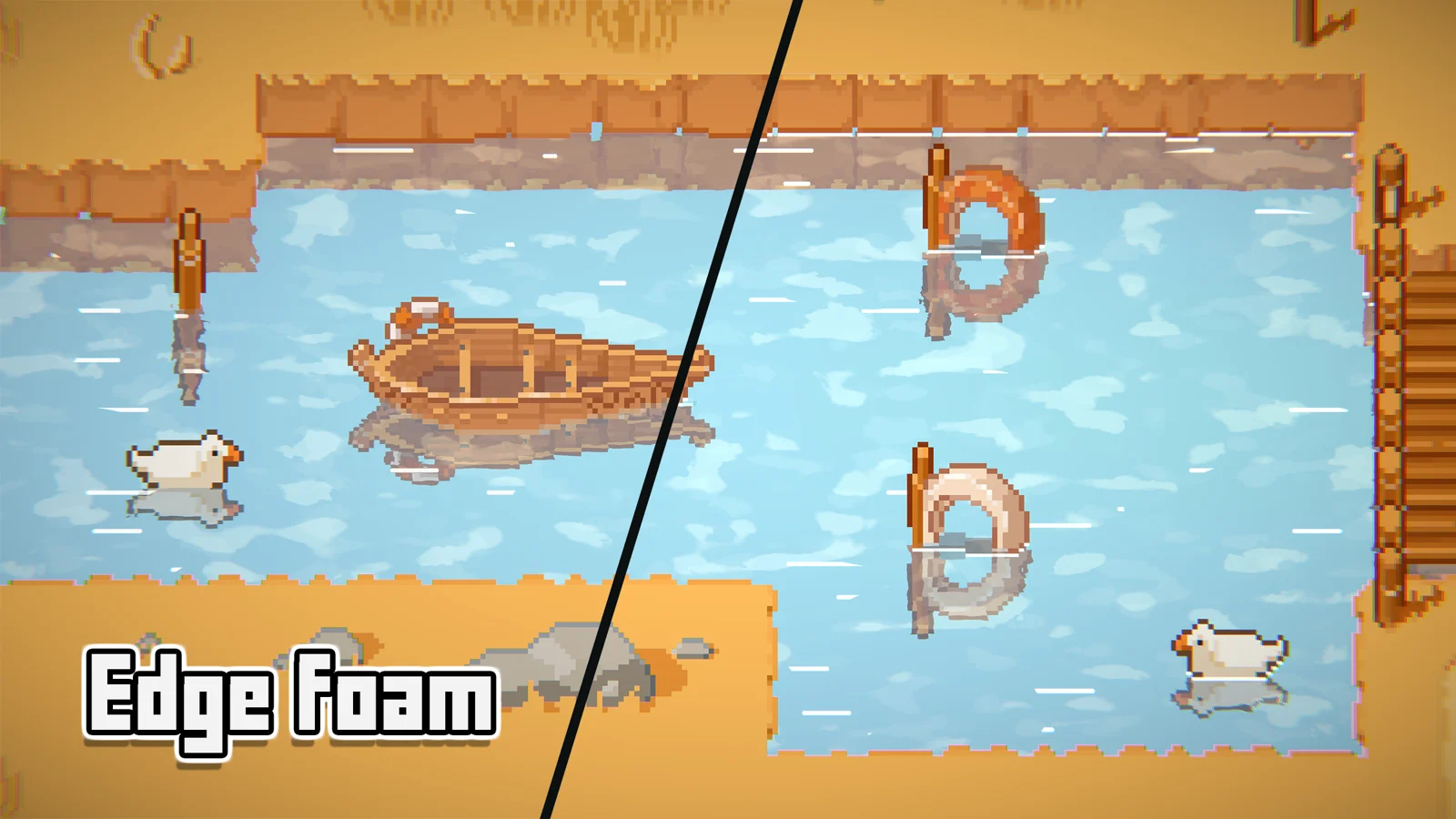
The obstruction system renders objects that interact with the water — creating depth data for coloring gradients, edge effects, and driving the fluid simulation.
Setup
Enable Obstructions → Enable in the water inspector. Then add the Obstructor component to any GameObject that should interact with the water. The system renders all obstructors to a depth texture that the water shader samples.
Key Settings
→ Resolution — render texture resolution multiplier for the obstruction capture (0–1).
→ Alpha / Color / Width — control the visual edge glow that appears where obstructors meet the water surface.
Obstructions are required for the fluid simulation to work. The simulation uses the obstruction texture to detect where objects displace water. If you enable simulation, obstructions are automatically enabled.