Paint without deleting your source
Manual, Density and Noise can coexist. A painted Placement Mask hides plants without deleting them; Automatic Scene Mask blocks placement.
2D VEGETATION
Paint plants in Scene view, add wind and character interaction, and place or harvest vegetation from gameplay code.
Paint vegetation, shape the wind and add character interaction to 2D environments.
View on Asset Store ↗Plants move in the shared wind field and bend around the moving character.
Read this feature's guide ↗Project requirements
Unity 6.0.70 or newer, with URP and a 2D Renderer. The manual supports Top-down 2D and Platformer 2D; there is no separate 2.5D backend.
Listed compatible editors: 6000.0.70f1, 6000.3.19f1, 6000.5.2f1. These entries are not an upper-version limit. Listing checked 27 October 2026.
First steps
Use Unity 6.0.70 or newer with URP and a 2D Renderer.
Use GameObject → Modern 2D Vegetation → Create Vegetation Area. Create a Vegetation Type Set, assign a plant sprite, then assign the Type Set to the Area.
Choose Top-down or Platformer, open Scene Painter and paint in Manual mode. Add a Wind Manager and Vegetation Interactor 2D for movement.
Manual, Density and Noise can coexist. A painted Placement Mask hides plants without deleting them; Automatic Scene Mask blocks placement.
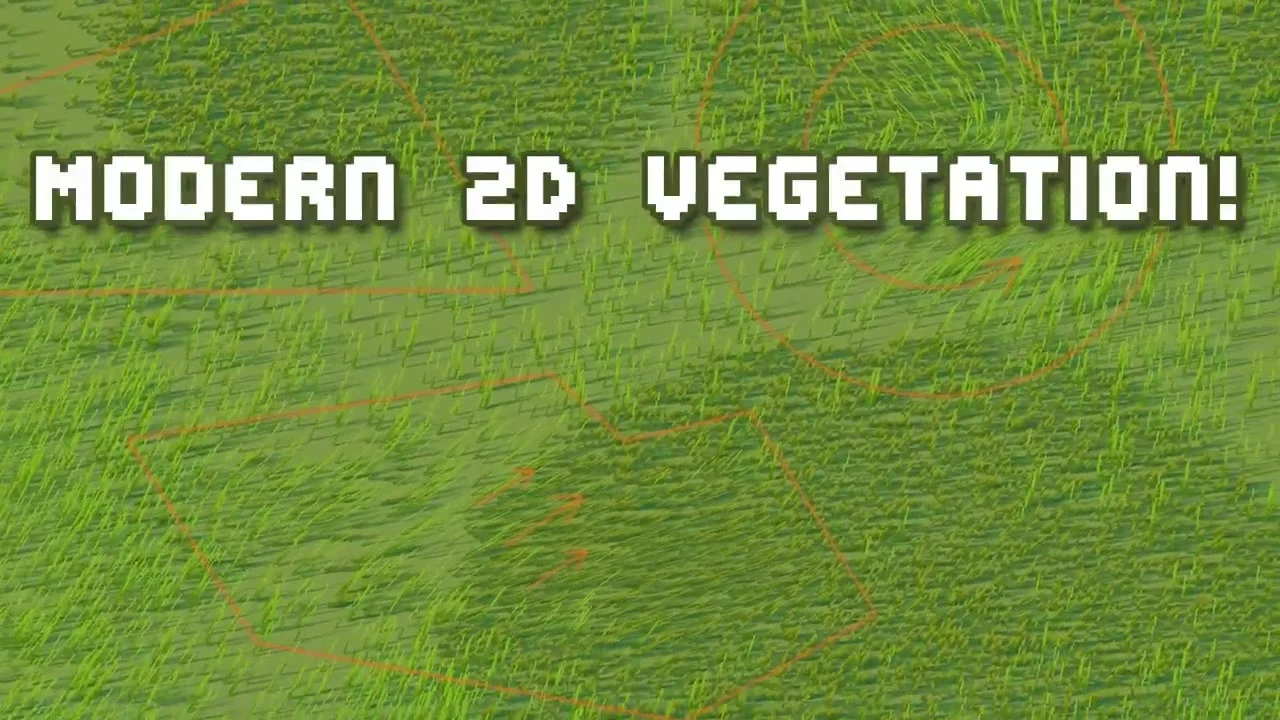
Wind Areas and Emitters modify the shared field. Sprite Wind lets ordinary SpriteRenderers respond to it too.
Use PlaceWithFeedback and Harvest when gameplay needs exact counts. Runtime Painter is an Editor tool; a Player build needs your own gameplay UI and save system.
Before you buy
For setup or customisation issues, use Discord support.
Request a free fit check ↗Top-down 2D and Platformer 2D. The supplied manual explicitly excludes a separate 2.5D rendering backend.
No. Save on Stop keeps your Editor Play Mode placement experiments. A built game must save and restore player progress through its own save system.
No. Density, Noise, painted Color and painted Placement Mask are authored before Play. Use Runtime Painter or the placement API for Manual instances during Play.
Type Set vegetation and Sprite Wind share a pool of 1,000 active Advanced vines. Extra vines, or devices without compute support, use Vine Cheap.