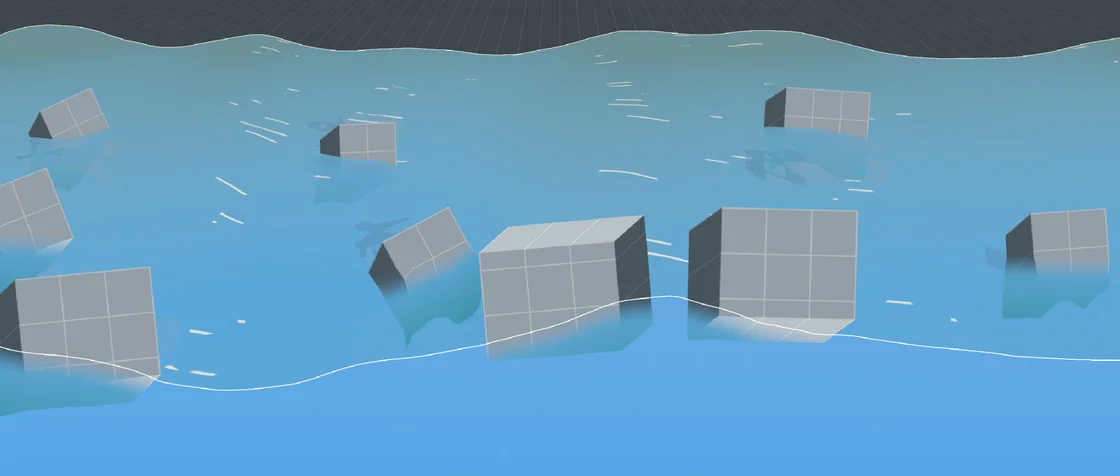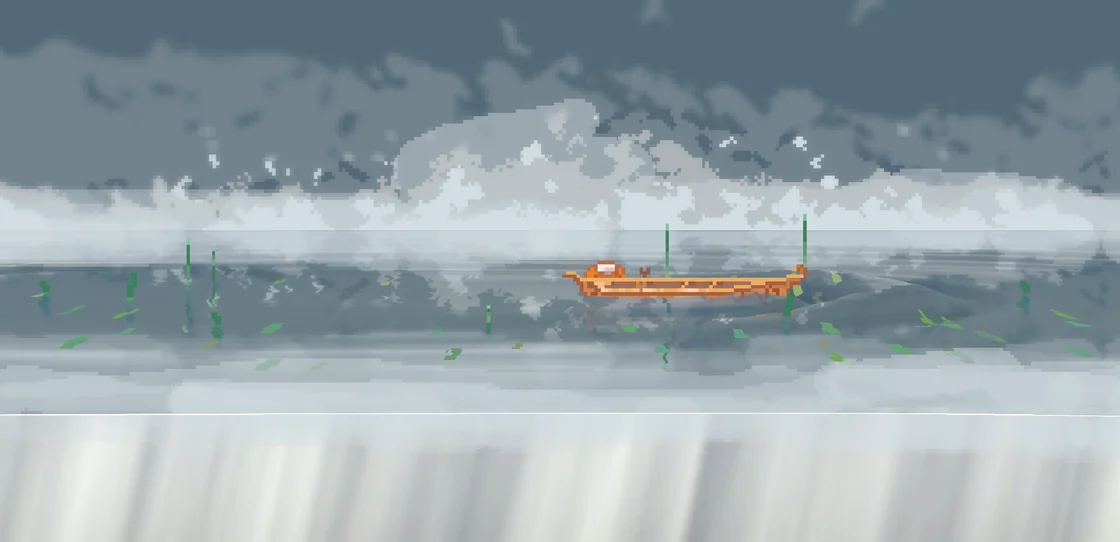
Continuous contact waves, surface crossings, and floating Rigidbody2D props.
Interaction waves
Water Source · Waves · Interaction waves
| Setting | Effect |
|---|---|
| Object wave strength | Strength of waves made by moving objects. 1 follows displaced draft; values above 1 exaggerate the response for stylized water. |
| Impulse height | Target height in metres for impulses driven by the interaction-wave profile. |
| Impact wave allowance (m) | Allows larger interaction waves when using Artist wave controls. Airborne splash height is set separately on the Water Object. |
| Interaction speed | Control how quickly reactive ripples travel across the sheet. |
| Interaction width | Set the physical footprint of profile-based disturbances; broader sources avoid needle-like peaks. |
| Calm down speed | Dissipate reactive wave motion more quickly as this increases. |
| Interaction travel | Distance over which damping reduces wave amplitude to one tenth. Geometric spreading and obstacles still affect waves. |
| Fresh samples at low FPS | At low frame rates, the producer may synchronize submitted GPU snapshots in one refresh per frame when frame duration reaches ReadyAge (60 ms by default) and published height data is older or missing. GPU synchronization can cause a hitch. Surface queries remain nonblocking; old or unavailable data keeps its actual status. |
More interaction waves settings
| Setting | Effect |
|---|---|
| Wave queue capacity | Maximum simultaneous queued wave inputs, not rendered Water Objects. Full queues reject additional requests. Changing capacity restarts the simulation; higher values increase CPU/GPU work. |
Current
Water Source · Waves · Current
| Setting | Effect |
|---|---|
| Wave orbital motion | Include wave-associated oscillatory motion in the surface transport field. |
| Wave drift | Add the mean wave-associated drift used by surface transport. |
| Add manual current | Adds the authored X/Z current to the water flow. Turn it off to use wave-driven flow alone. |
| Manual current | Mean surface transport in world X and virtual Z, in metres per second. |
More current settings
| Setting | Effect |
|---|---|
| Speed limit | Clamp combined authored current speed before it drives transport/gameplay sampling. |
Entry and exit ripples
Enable Entry and exit ripples on the Water Object. Choose entry, exit, or both. This effect responds to crossing the waterline. For a continuous wake, enable contact waves and configure the contact shape.
| Setting | Effect |
|---|---|
| Minimum crossing speed | Crossings below this speed do not trigger the effect. |
| Full-strength speed | The crossing speed at which the splash uses its configured maximum height. |
| 2 m splash / 10 m splash | Starting values for different splash sizes. Airborne height and wave input can be adjusted separately. |
Buoyancy
Enable Buoyancy on a Water Object with a dynamic Rigidbody2D and a Collider2D. The collider determines the part that displaces the water. Check the assigned source and depth lane before tuning lift and float points.
Examples